
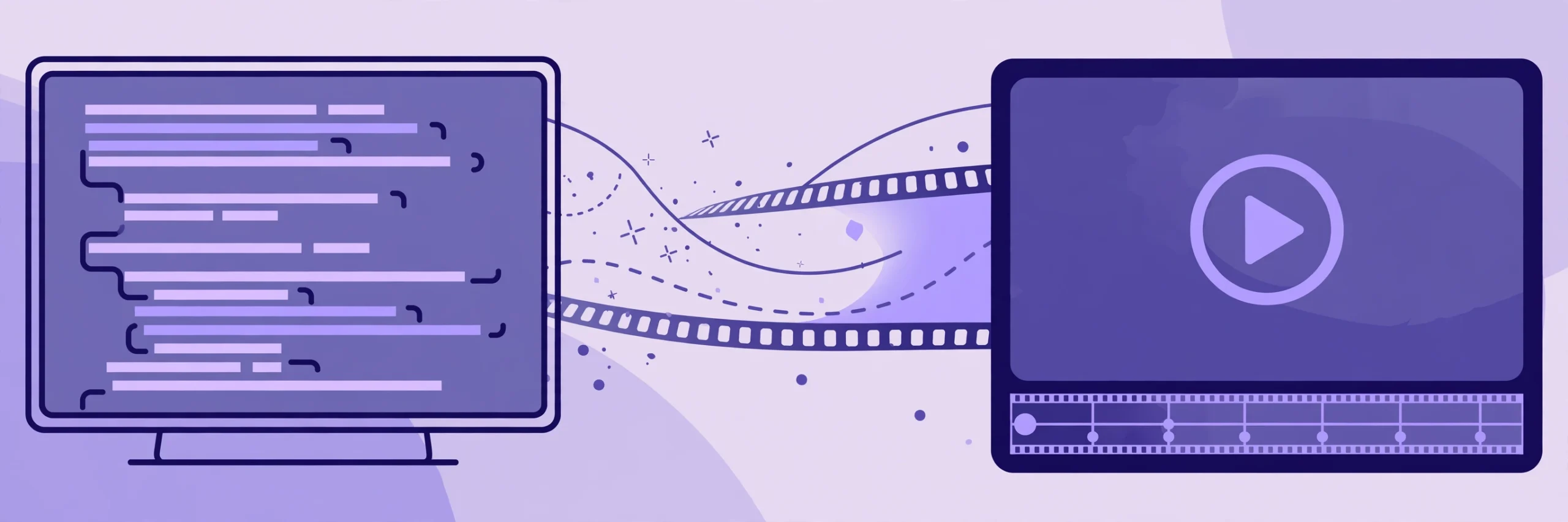
You want a product video. You do not want a timeline editor, a pile of keyframes, or an export queue that eats your whole afternoon. So what if you could just write a web page — and download an MP4?
That is the idea behind this HyperFrames tutorial — a free tool built for AI coding agents as much as for people.
What HyperFrames actually is
HyperFrames is an open-source framework from HeyGen, licensed Apache-2.0 — free to use — and it turns plain HTML and CSS into MP4 video.
People noticed fast. The project had 60,291 GitHub stars on October 11, 2026, and one report a week later put the count near 61,000.
Its best trick is consistency. Renders are deterministic, so the same input gives you exactly the same video every time. That matters if you regenerate a clip whenever your product changes.
How it works, step by step
Step 1: write your scenes. Each scene is just markup. HTML and CSS act as the timeline, so anything a browser can show can become a frame.
Step 2: animate. You add motion with GSAP, Lottie or Three.js. These animations are “seekable,” so the renderer can jump straight to any moment.
Step 3: render. Three commands do the job: npx hyperframes init my-video creates the project, preview shows it with live reload, and render writes the MP4. Behind the scenes, headless Chrome captures every frame and FFmpeg encodes the file. There is no build step.
The catch is short. You need Node.js 22 or newer and FFmpeg installed. Honestly, that is a refreshingly small requirement list for a video tool.
Keep your clips short, though. The sweet spot is 30 to 90 seconds, and the product launch workflow tops out around three minutes. For long-form editing, you still want a proper editor.
The 21 agent skills
Here is where it gets interesting. HyperFrames ships 21 skills that teach an AI agent the full loop: plan the video, write valid HTML, wire up animations, add media, lint, preview and render.
A main skill, /hyperframes, reads your request and picks a workflow for you. /product-launch-video makes a promo from a URL or script, /faceless-explainer explains a topic with diagrams, /pr-to-video turns a pull request into a changelog clip, and /motion-graphics handles logo stings and animated headlines.
The skills work with Claude Code, Codex, Cursor, Gemini CLI and other agents. And it plays to a real strength — agents already write HTML well.
The October 22 update
On October 22, 2026, version 0.8.186 landed. Capture motion blur now works in rendered videos and in HyperFrames Studio, so fast-moving elements look smoother and less digital.
Blur comes with safeguards. When a page cannot handle it safely, the system turns blur off and tells you why, instead of quietly producing a broken video.
The releases just before it, from October 19 to 21, added transparent 4K exports and faster cloud rendering — encoding now starts while frames are still being captured. Small version number. Real production fixes.
Who should try it
Try it if you make product demos, changelog clips or social posts and already think in HTML and CSS. No new language to learn — and your videos can rebuild themselves when something changes.
Skip it if your work is long, hand-edited storytelling. That still belongs in an editor.
Write the page. Render the video. That is the whole trick — and it costs nothing.
Sources
- https://digisoulhub.com/blog/hyperframes-html-to-video/
- https://siliconnoon.com/open-source-radar-october-20-headroom-hyperframes-ai-job-search/
- https://undercodenews.com/hyperframes-just-got-a-major-upgrade-motion-blur-faster-4k-rendering-and-more-reliable-ai-video-workflows-video/